

6. Clients
Adding Clients
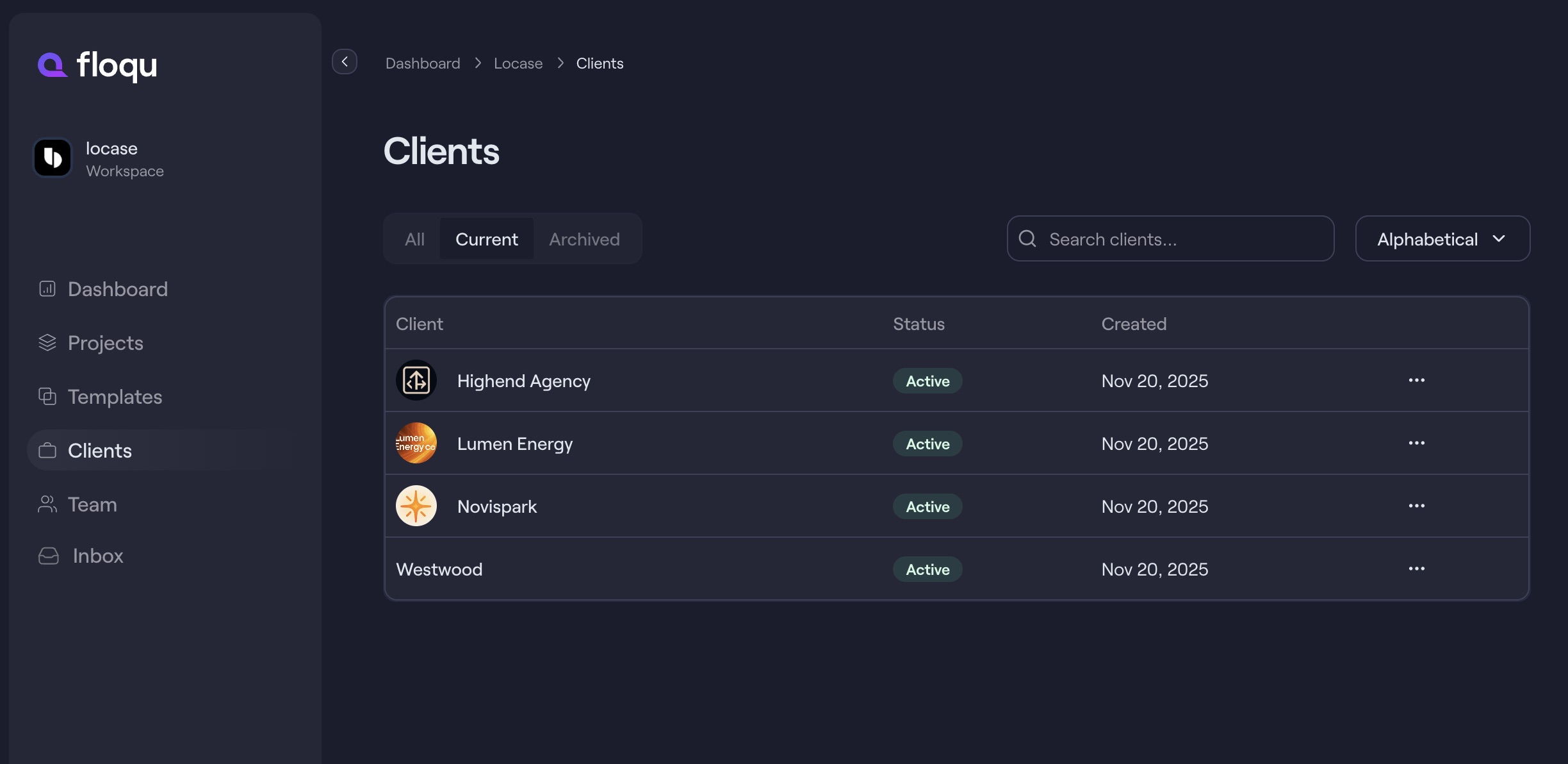
Clients can be added from the Clients tab.
Click New Client, enter their name, company details, and optional notes.
Managing Clients
Edit or delete client info anytime by clicking the menu icon next to a client’s name.
You can sort or filter the table to keep things organised.
Associating Clients with Projects
When creating or editing a project, use the Client dropdown to link it to an existing client record.
This helps you quickly see which projects belong to which client.
Client Users (Guest Access)
Floqu now supports a Client account role for external collaborators.
Client users can:
- Access only the projects they are assigned to
- View project progress
- Create tasks
- Comment and collaborate with your team
Client users see a simplified, project-focused dashboard when they log in. They cannot access workspace-wide admin areas such as Templates, Clients management, Team management, or Billing.
Inviting Client Users
Client users are invited from a specific project.
That invitation gives them:
- Limited account access as a Client user
- Access only to the invited/assigned project(s)
Client users can be assigned to more than one project for the same account.
Client users can also be managed from the Clients area. Open a client from the Clients table to view their client users, assign project access, resend invites, or revoke access.
🌟 Guest Access (No Seat Cost)
Client users are treated as guests, so they can collaborate on projects without counting toward your per-seat billing.
Up next:
Still need help?
We’re happy to assist. Send us a message and we’ll get back to you.